Your design.
Your cookie cutter.
Create 3D printable cutters and stamps. Describe your design, or upload an image for a cutter. Inspect the shape in 3D and print it on your printer.
30 free designs a month, no account needed.
- Layer
- 006 / 75
- Height
- 1.2 mm
- Footprint
- 80×107 mm
01/Outline
Your words become one closed shape.
A cutter is a silhouette and nothing else: no shading, no detail, no open ends. That constraint is what makes a description enough to work from.
02/Walls
The shape is raised into a cutting edge.
The outline is thickened and lifted, with a flat rim at the top so you have something to press on that isn’t the blade.
03/File
Your STL is ready.
STL is supported by common slicers. Check orientation, wall thickness and supports for your particular model before printing.
Cutter, stamp or set
Which one is yours?
Cut biscuits in a shape of your own
Cutter
Cuts through rolled dough. A photo can stand in for the description.
Put a pattern on a finished biscuit
Cookie stamp
Presses the motif into the surface instead of cutting through.
Work with polymer clay
Clay stamp
The same shape, cut deeper, because clay holds a sharper impression.
Build a whole range to sell
Build a set
One occasion, up to 16 matching shapes, a single zip.
Guides
What we have learned about printable cutters
Six long-form pages to read before you spend a credit: which shapes survive the dough, how to print them, what matters for food contact and where designs go wrong.
Cutter or stamp: what you actually need
The choice drives shape, wall thickness and how you press. When to cut, when to stamp — and how Cookie-AI’s object switch maps to that decision.
Prompts the printer can actually use
Nouns over mood words, size cues, clear silhouettes. Six good and bad pairs — and how to iterate with credits instead of guessing.
From image to cutter: what actually works
High contrast, simple backgrounds, a tight crop. Why busy photos fail — and why trademarked characters are off limits.
Print without drama: basics for cutters and stamps
PLA and PETG, 0.2 mm layers, walls, orientation, brim. A slicer checklist with Cura, PrusaSlicer and Bambu Studio as examples.
Food safety for printed cutters and stamps
Materials, printing, documentation and commercial use: what to check before food contact.
Finishing and care for cutters and stamps
Sanding, washing, storage, dull edges. When cleanup is enough — and when you should reprint.
What people ask for
Most of it is somebody specific.
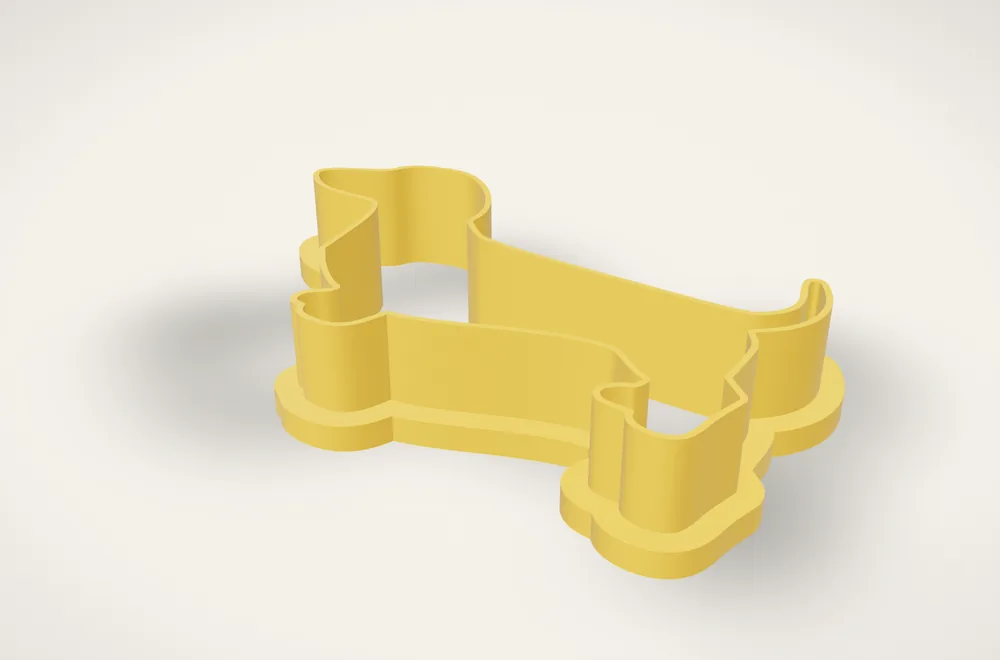
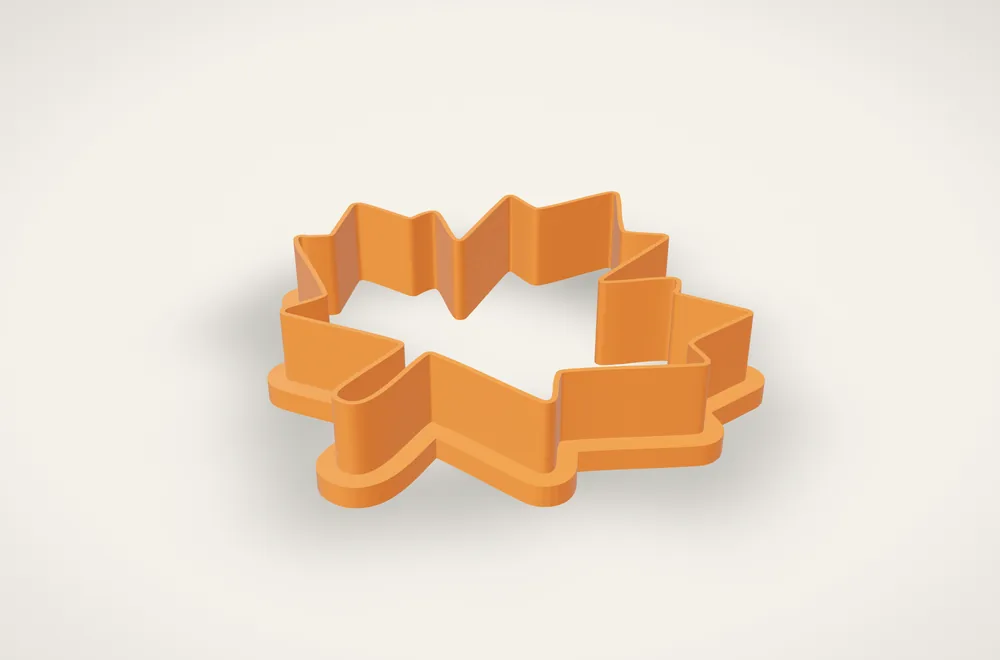
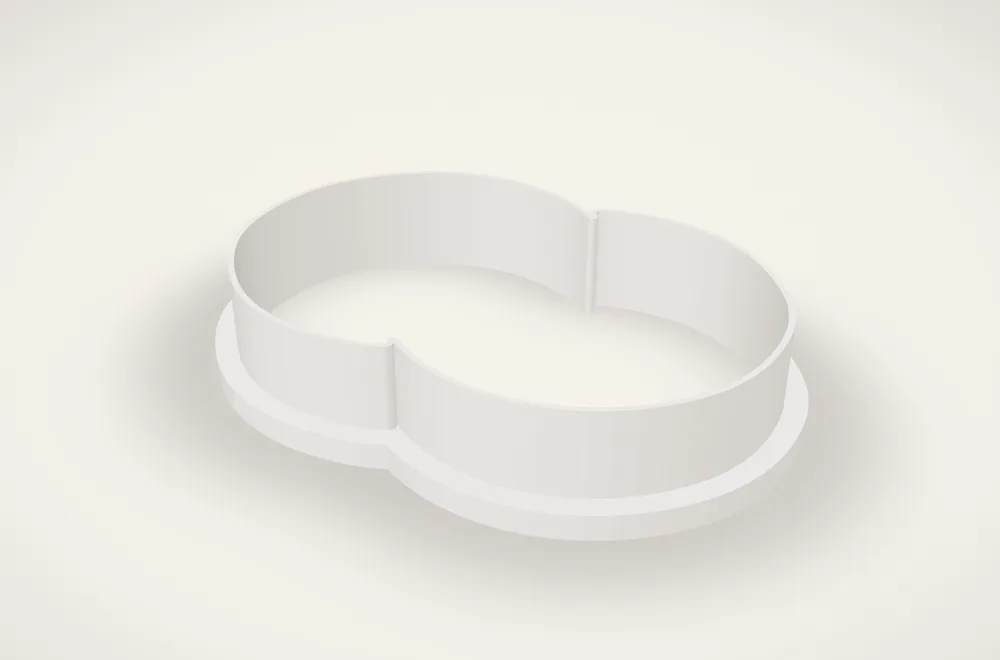
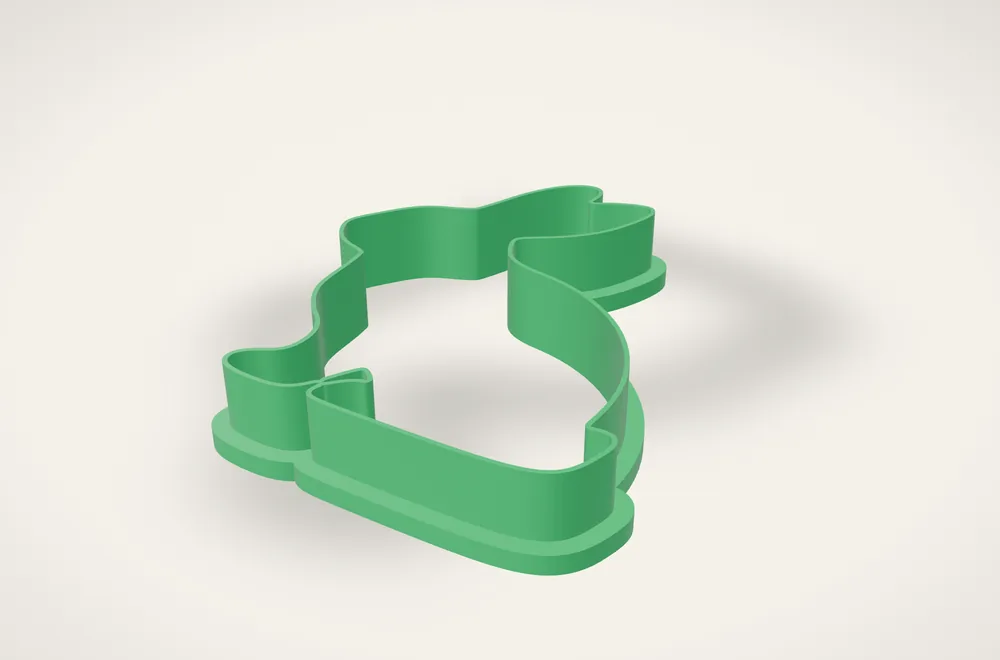
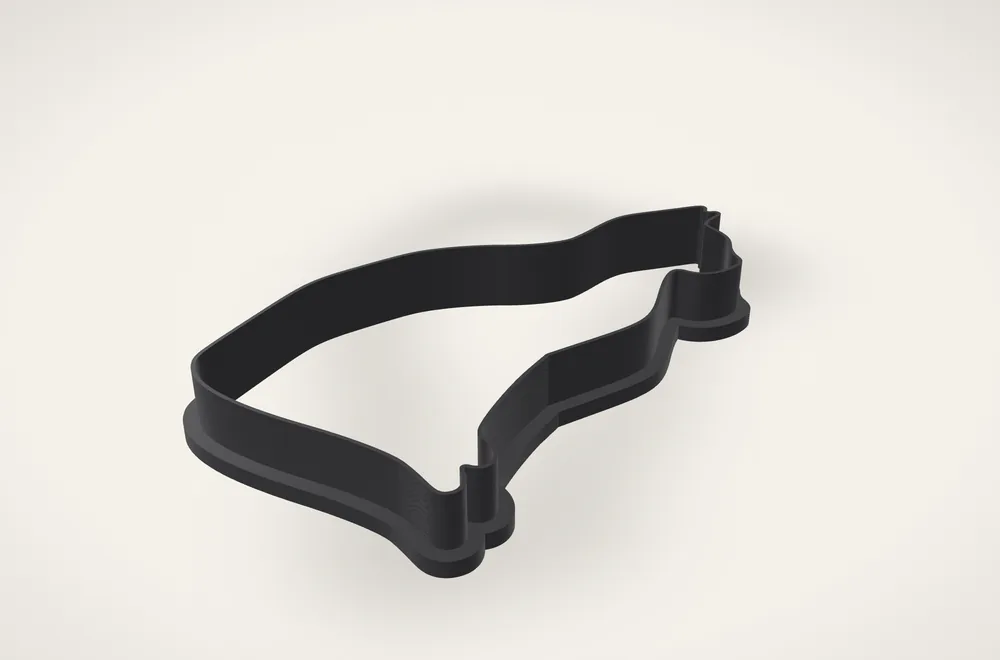
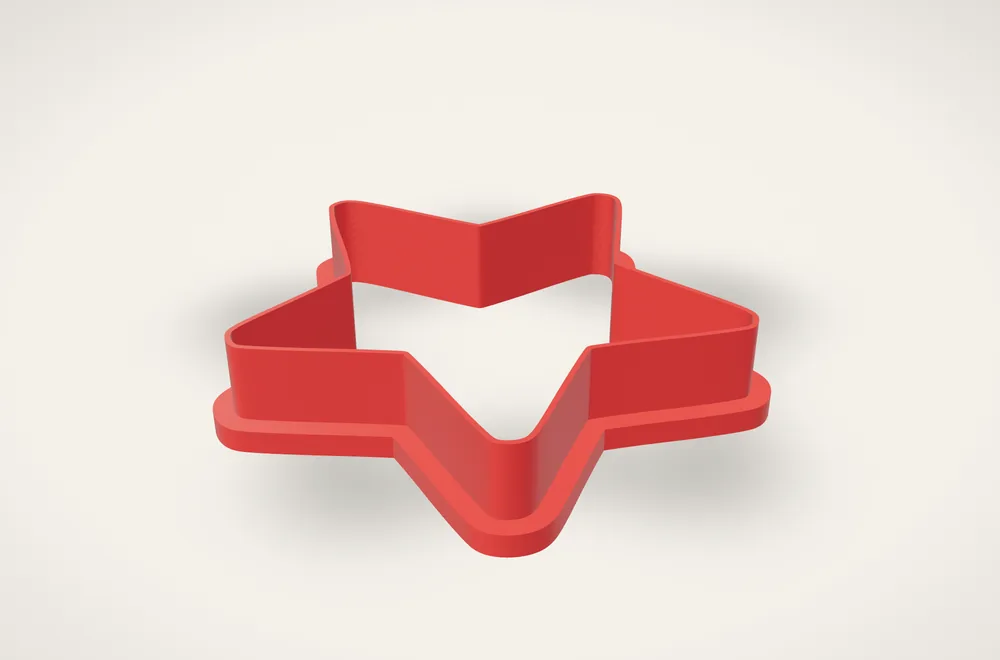
A pet, a name, a company mark, a shape from a particular Christmas. Pick one to start from, or write your own. These images are digital model previews.
Pricing
Start free. Pay when it pays.
Free
0€
60 credits per month with an account
For trying it out, and for your own kitchen.
Pro
9€per month
Recommended300 credits per month
When you print regularly or sell what you make.
Studio
19€per month
1200 credits a month
For shops: size packages, sets and saved orders.
One generation costs one credit. Resizing and downloading again uses no additional credits. Final prices. No VAT charged under § 19 UStG.
Every price, the yearly plans and the credit packsAsked before signing up
The four that come up most
Do I need a 3D printer?
To hold the cutter, yes — but it does not have to be your own. Libraries, schools and makerspaces often have one, and an online print service will post you the finished part for a few euros. What you get here is the file that either of them needs.
Can I sell what I make?
Yes, you may sell the printed objects, including on the free plan, with no fee per sale. The licence does not allow resale of the digital files. Rights in third-party designs still apply.
Is it safe for food?
A digital file does not establish suitability for food contact. The finished object depends on material, printing, processing and intended use. A filament label or coating alone is not sufficient evidence. Read our food-contact guide.
What does it cost?
Nothing to start: you get free credits every month without an account, and more with one. A subscription is for people generating in volume and selling the results.
Open the STL or 3MF in Bambu Studio, PrusaSlicer, Cura or OrcaSlicer. Check the layer preview and support requirements before printing.
Each of these is a written page: which shapes work, which ones come out badly, and what to type to get them.
What are you baking?
30 free designs a month, no account needed.